The QR menu that can grow into your full venue operating system.
Tapify Digital Menu
Start with a fast no-hardware digital menu. Guests can scan and browse directly in the browser, while registered customers can continue in the Tapify mobile app for a more integrated table ordering experience.
Scalable from a simple QR menu to a complete service experience.
More than a PDF behind a QR code.
Tapify Digital Menu connects your public menu, tables, staff and orders into a flow that can start simple and grow with your venue.
Instant updates
Change items, prices, descriptions and availability from the dashboard without reprinting menus.
Visual, sales-ready menu
Add images, long descriptions, badges, allergens and dietary tags for every item.
Translated content
Manage translations for categories and items so the menu stays clear for local and international guests.
Table QR codes
Generate unique links for tables and service areas, ready for browsing, ordering and staff requests.
Call waiter and request bill
Guests can call a waiter or request the bill directly from the table menu when the flow is enabled.
Table ordering
Enable shared table orders, group sessions and staff-managed service flows from the dashboard.
Mobile app handoff
Table QR links can open the Tapify mobile experience for logged-in customers, keeping active table sessions, shared orders, service requests and status updates closer to the guest.
How to get started
Create your business account
Build the menu
Generate QR codes
Serve faster
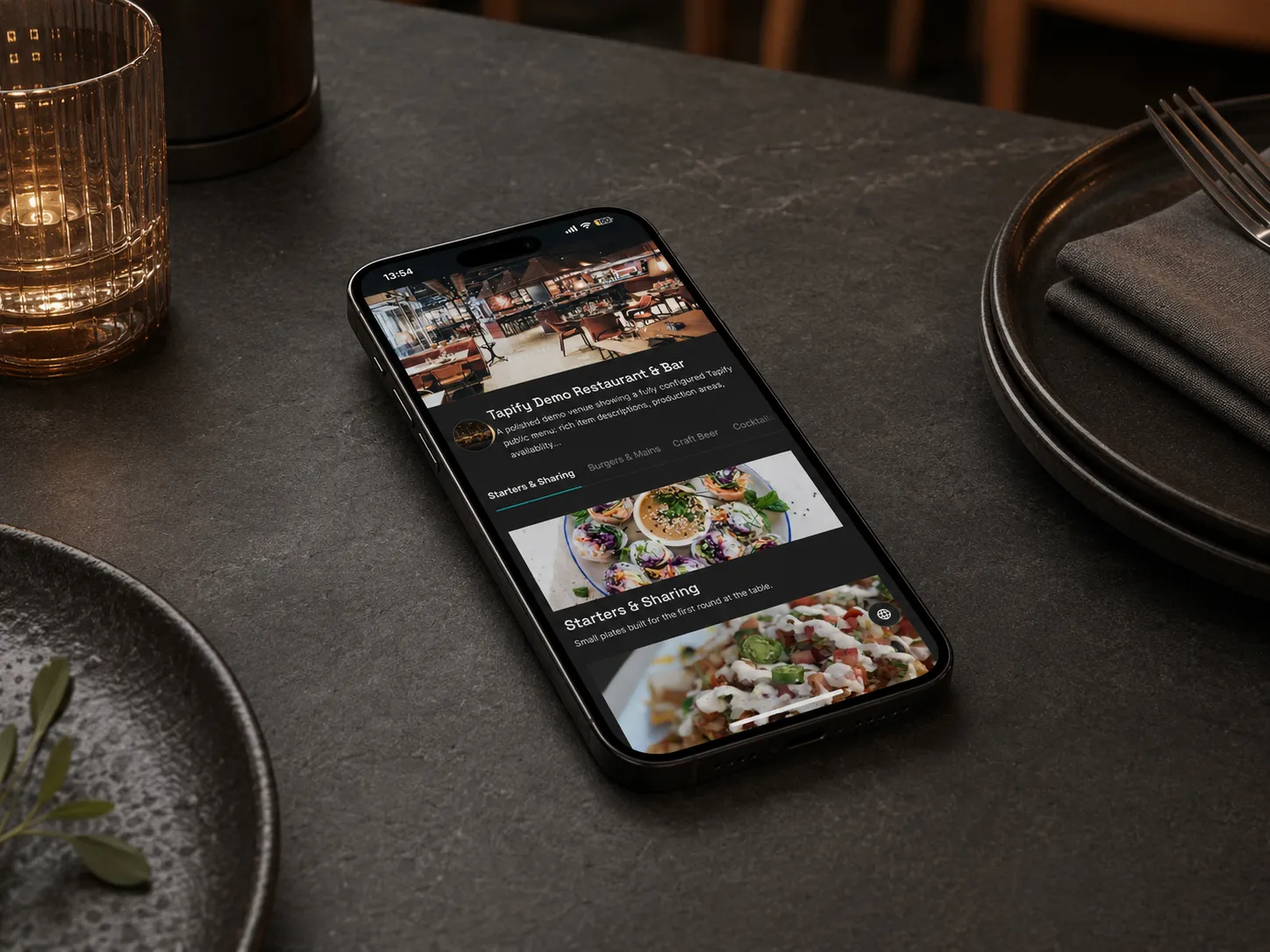
Simple in the browser. More powerful in the Tapify app.
For quick browsing, guests scan the QR code and open the menu directly in the browser. For logged-in customers, the Tapify mobile app can pick up the table link and keep the active session, shared order, staff requests and status updates in a more integrated experience.
Mobile AppChoose the right level for your venue
QR menu only
For venues that want to replace printed menus and update items quickly.
Table service
For bars, bistros and restaurants that want ordering, call waiter and request bill flows.
Start digital, grow with hardware
Use the same dashboard for your menu, then add Tapify smart draft modules when the timing is right.
A gateway into the Tapify ecosystem.
Digital Menu works as a standalone service, but it is not a dead-end product. It is managed from Tapify Dashboard, the same place where you can later manage hardware modules, draft monitoring, stock, team roles, the mobile app experience and operational reporting.
Frequently asked questions
Do I need Tapify hardware to use Digital Menu? add
Do guests need the Tapify mobile app? add
Can I use it as a menu only, without ordering? add
Can I create different QR codes for tables? add
Start with the menu. Grow into the full ecosystem.
Create a business account and configure your first digital menu in Tapify Dashboard.