You pour. Tapify measures.
Self-service draft beer, with connected hardware and software. Guests choose their beer and pour for themselves, while your team keeps track of venue activity.
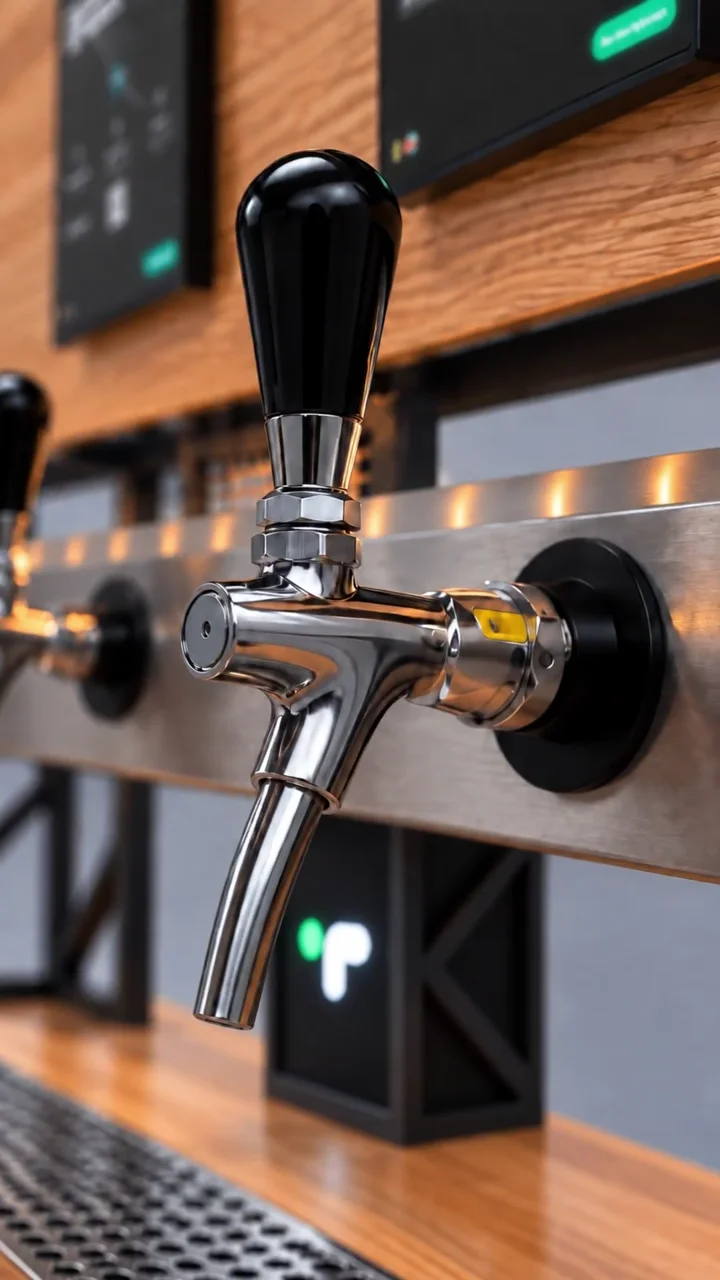
The guest experience
From your choice to your first pour.
A familiar gesture at the tap. Information and measurement come with it.
-
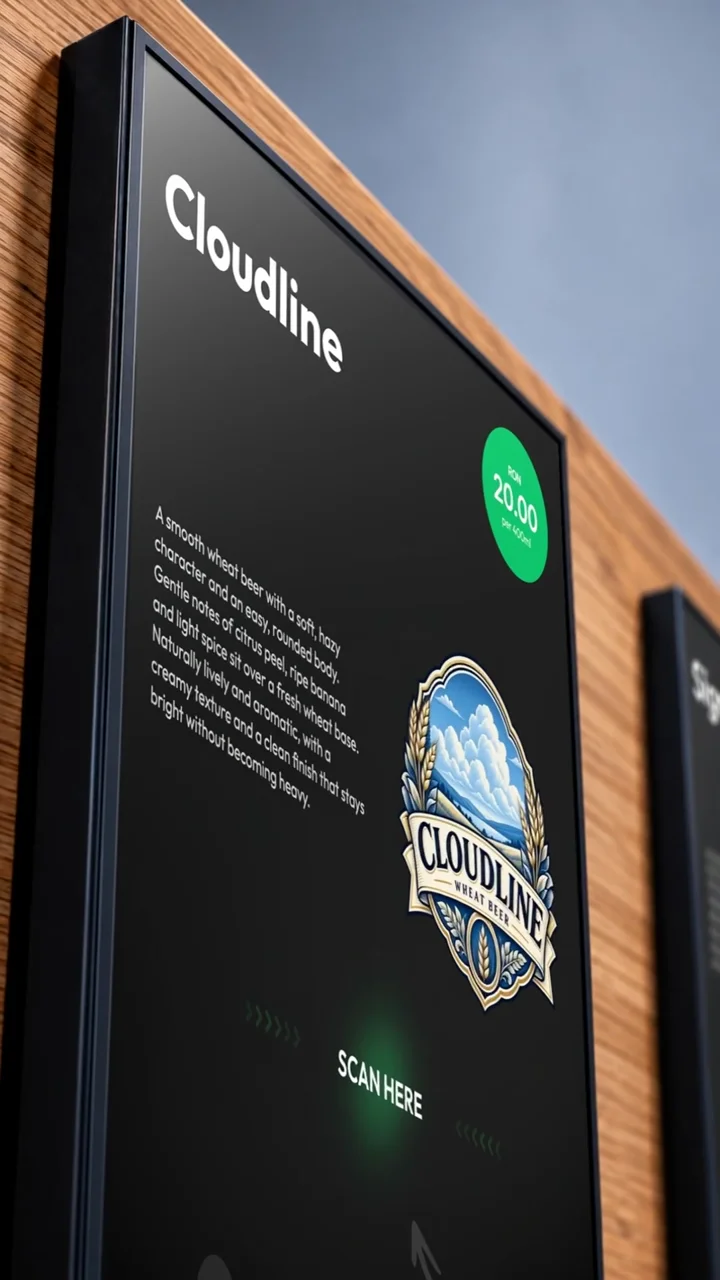
Choose what to try
See the beer, product details and price on the tap’s display.
-
Authenticate
Use an NFC card or wristband. With the Tapify Tab app, scan the tap’s QR code or use NFC on a compatible Android phone.
-
Move the handle and pour
Once authorised, control the pour using the mechanical handle. Volume and cost update on the display in real time.
-
Know how much you poured
The final volume and cost are recorded in your session. In Tapify Tab, you can review your own consumption history.
For your venue team
Simple at the tap. Connected behind it.
The hardware module, local station and Dashboard connect service with the information you need to run your venue.

-
Every session measured
Flow meters measure volume, while valves can stop the pour at the session limit.
-
Control at the venue
The local station coordinates the taps and records system activity.
-
The bigger picture
Use Dashboard to track consumption, products and keg levels, and manage pricing and team access.
Beyond the tap. At the table, too.
A QR code opens the digital menu directly in the browser. Guests explore products, while ordering, waiter requests and requests for the check can be enabled for your venue.
You can also use the digital menu independently, with no hardware module or mandatory app.
Explore the digital menu
A few questions. Clear answers.
Do guests need the app to pour? add
How is the poured volume controlled? add
Do I need the whole ecosystem? add
How are the beer lines cleaned? add
See the full flow. In a demo.
We start with your space and the way you serve. See how the guest experience connects to venue operations.